POS systems for shops: what they are and how to choose

In Tajikistan the word "POS" usually means two different things, which is why a conversation with a supplier starts in confusion. Here is the difference, and then what a POS system should actually do in an ordinary shop.

A POS terminal and a POS system are not the same thing

A POS terminal is a bank's device for taking cards. It processes the payment and knows nothing about what you sold: to it, that is just an amount.

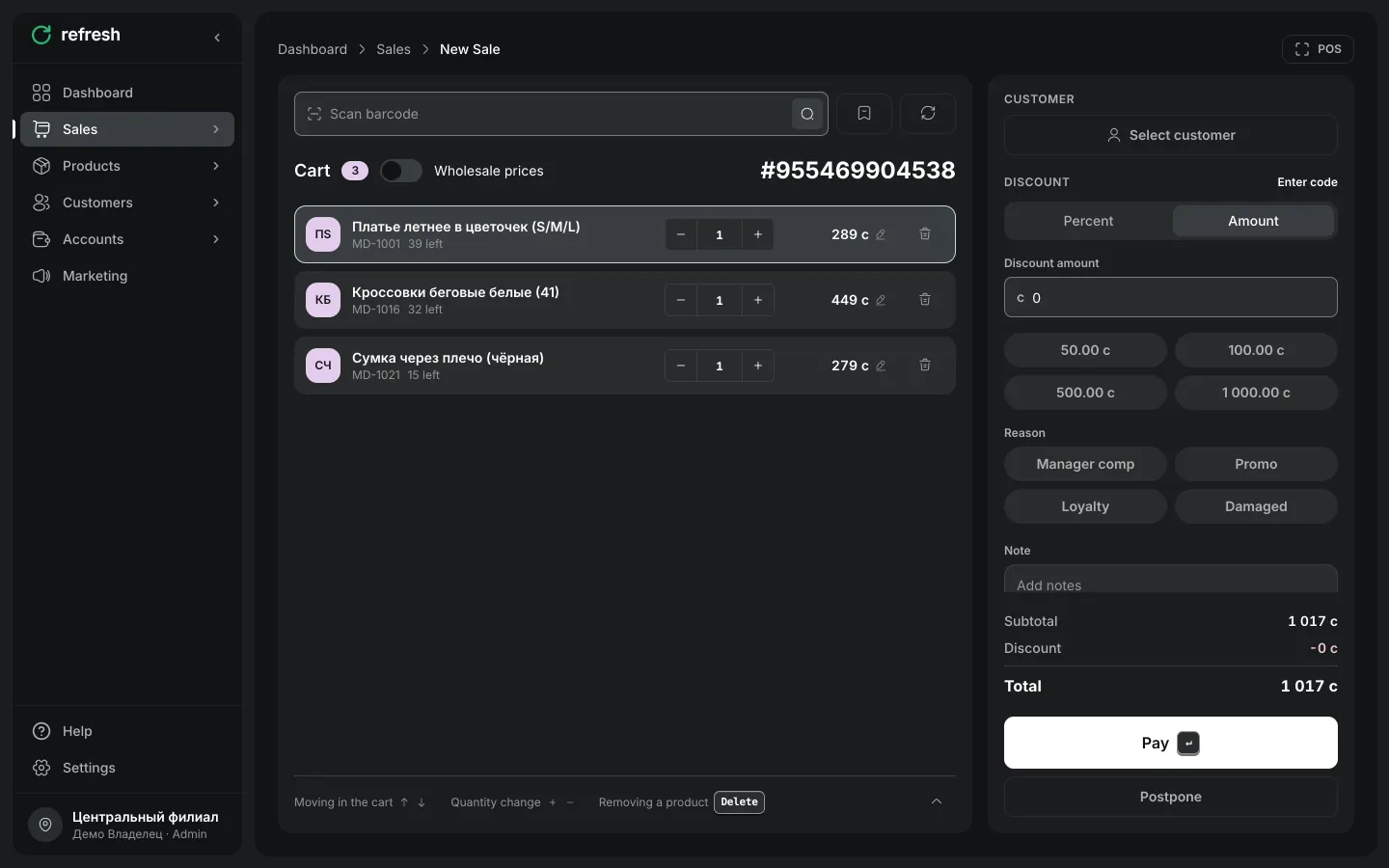
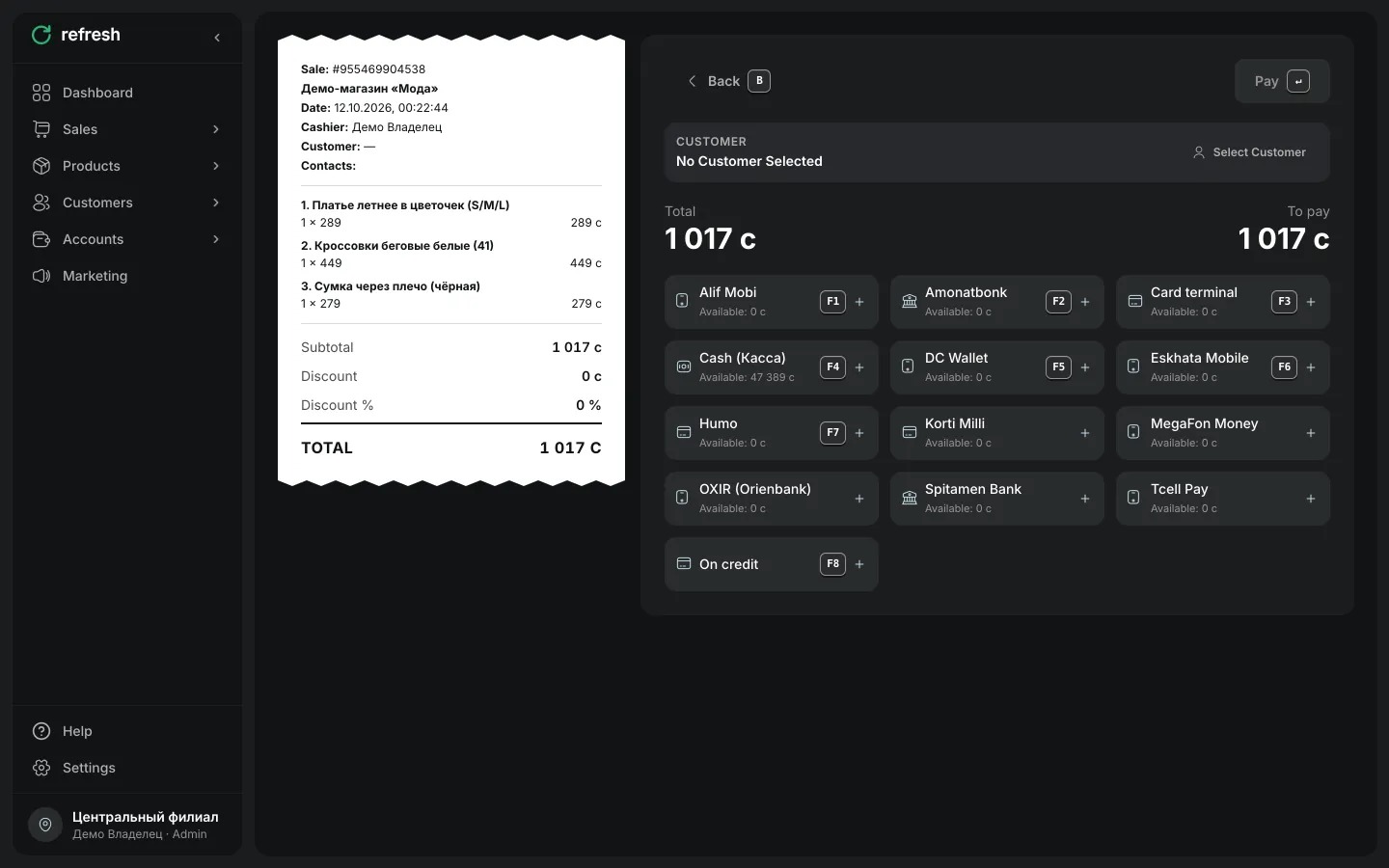
A POS system is the software that runs the sale: it finds the product by barcode, calculates the total and the discount, reduces stock, records the customer and produces reports. A terminal may sit beside it taking cards, but the system is what counts stock and revenue.

The practical consequence: you probably already have a terminal from your bank, while the system is a separate choice — and it is the one that decides whether you know your stock.
What a POS system should do in a shop

At minimum: fast selling with a scanner, returns and exchanges, a cash shift with X and Z reports, and working without internet, because the connection does drop.

Beyond that is what people actually buy a system for: stock per location, receiving and stocktakes, a customer base, customer debt tracking, and reports that show margin rather than only turnover.

And the questions people forget to ask: what language the staff will work in, what currency cost is held in, and what happens when there are two shops instead of one.

What it runs on

Refresh runs in a browser and in a mobile app, so a phone, tablet or laptop becomes the till — there is no need to buy a dedicated POS terminal.

A barcode scanner, receipt printer and label-printing scales connect to that. You can start with a phone and add hardware later.

Frequently asked questions

A terminal takes card payments. A system runs the sale: product, discount, stock, customer and reports. They are different things and you usually need both.

No. Refresh runs on a phone, tablet or laptop, with a scanner and printer connected to it.

In Refresh, yes for cash sales, syncing automatically when the connection returns. Card payment needs a connection.

Refresh has a free plan and paid plans from 250 TJS a month. Other products and their prices are on the comparison page.

Start automating your shop today

Set up Refresh in 15 minutes. Free plan, no card, with support in your language.

Onboarding and training included