A till that works without internet

In Tajikistan the internet and the power do not fail in theory. The question is not whether it happens but what the till does when it does. Here is what keeps working in Refresh without a connection and — more importantly — what will not.

What works without internet

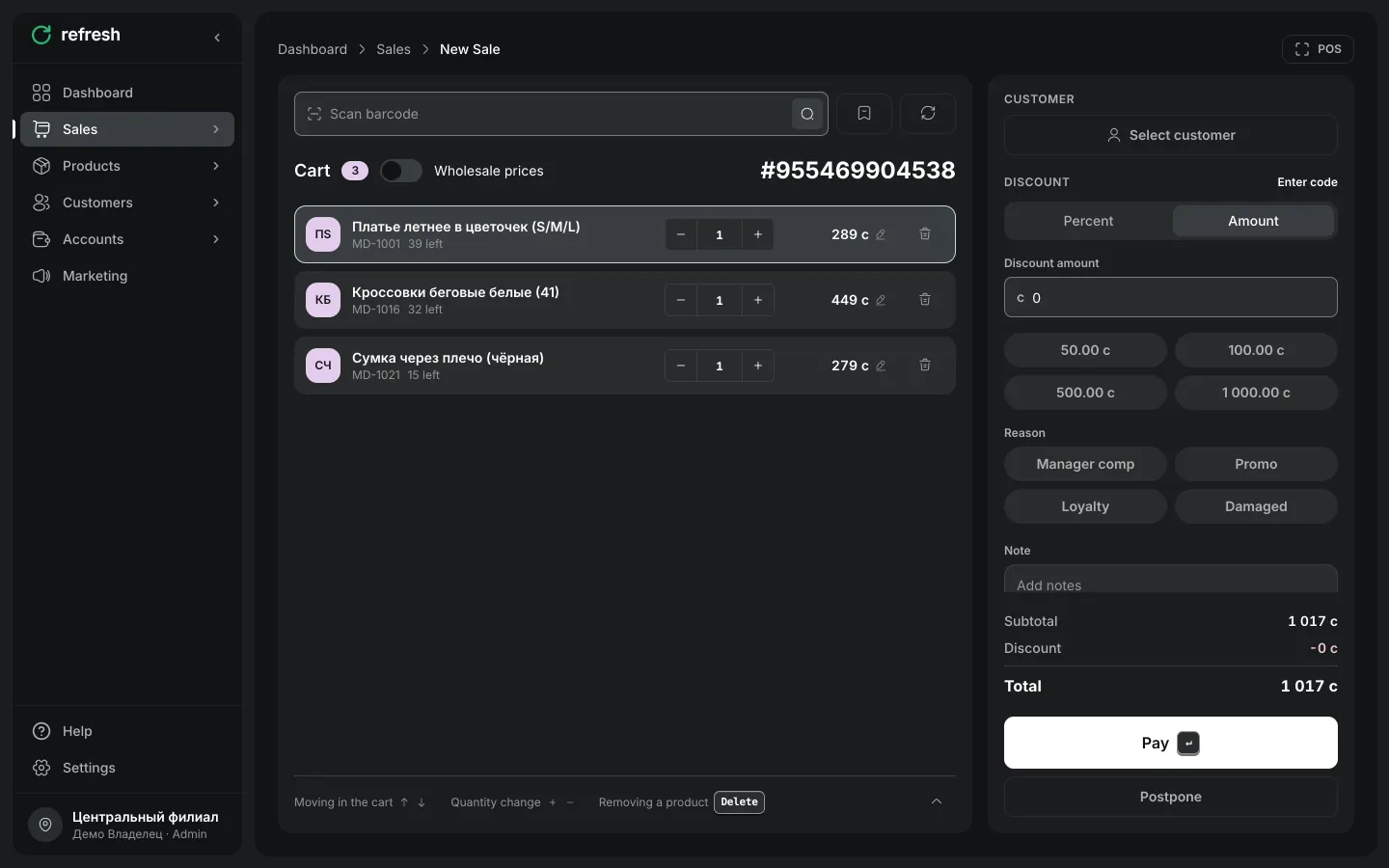
The till keeps taking cash and recording sales. Each sale is stored on the device and goes to the server automatically once the connection returns — nothing has to be re-entered.

The sync is protected against duplicates: if the connection dropped mid-send and a sale went twice, it still lands once on the server. That sounds like a detail, but duplicates are the usual reason an evening total stops reconciling.
What will not work — stated plainly

Card payment needs a connection: terminals and payment services run over the network, and an offline mode does not replace that. The sale can be taken as cash or held.

While there is no connection, do not reload the till page: the app holds unfinished sales, but it cannot fetch the catalogue again without the network. The practical rule is simple — if the connection drops, keep working in the till you already have open.

We write this out because "works offline" without qualification is a promise that breaks at the worst moment. Better to know the edge in advance.

What to do when the connection drops

Nothing special: carry on ringing up sales. When the internet returns the data goes by itself and balances recalculate.

If the outage is long, closing the shift as usual is fine — X and Z reports are computed from the data on the device and reconcile with the server after syncing.

Frequently asked questions

No. A sale is stored on the device and sent automatically when the connection returns, with duplicate protection.

No. Card payment runs through a terminal and payment services, which need a connection. Cash works offline.

The app cannot fetch the catalogue again without a connection, so during an outage keep working in the till you already have open.

The till runs on a phone, tablet or laptop, so the question becomes the device's battery rather than mains power.

Start automating your shop today

Set up Refresh in 15 minutes. Free plan, no card, with support in your language.

Onboarding and training included